





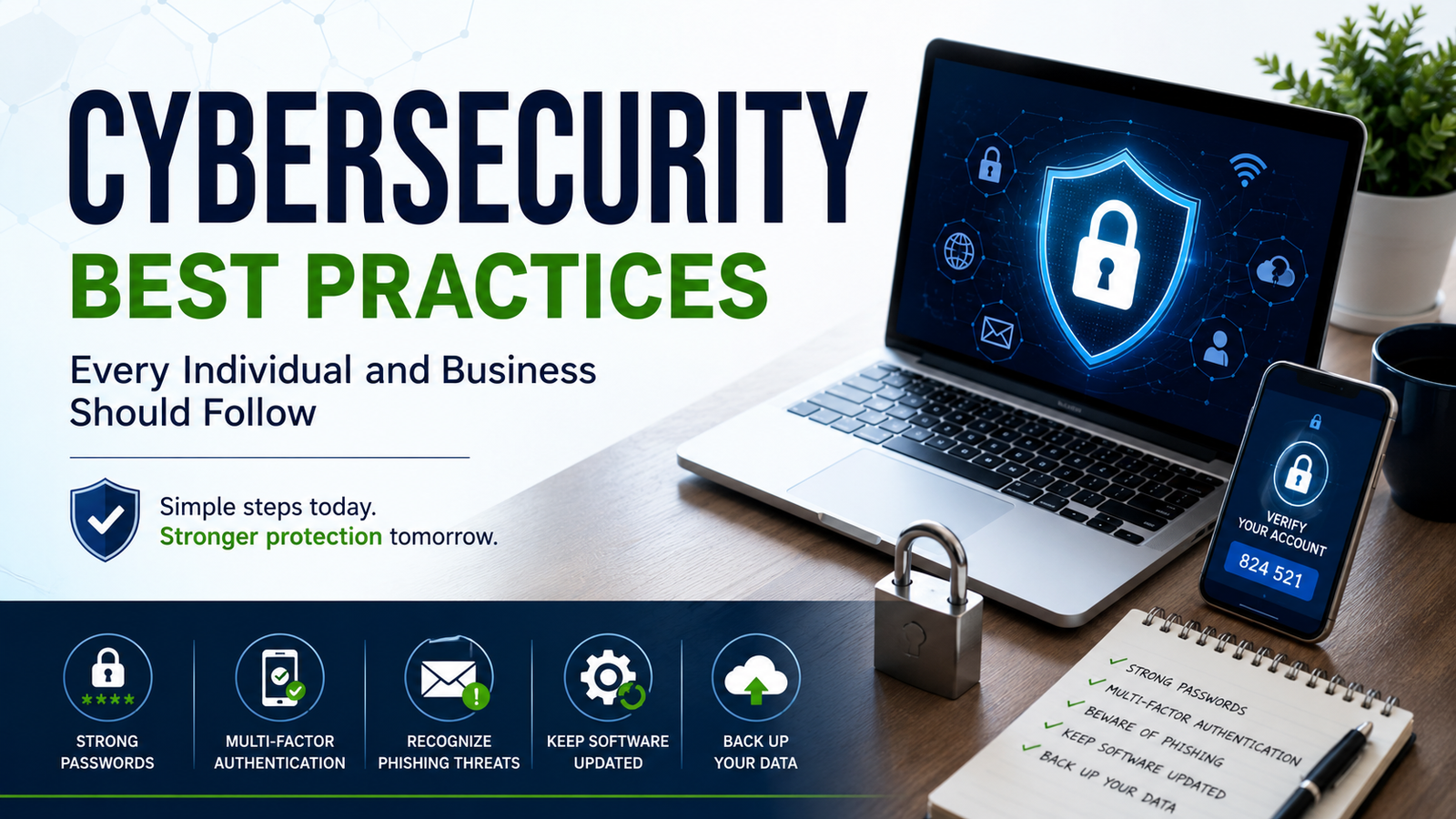
Cyber threats are growing faster than ever, making digital safety essential for both individuals and businesses. This guide explores practical cybersecurity best practices, from password protection and phishing awareness to secure browsing and data security, helping readers build safer online habits and protect sensitive information with confidence.
Introduction
Cybersecurity is no longer only a concern for large corporations or technology companies. Every internet-connected device, online account, and digital transaction creates potential opportunities for cybercriminals. From phishing emails and data breaches to identity theft and ransomware attacks, online threats continue to evolve at a rapid pace.
For individuals, poor cybersecurity habits can lead to stolen personal information, financial loss, and compromised online accounts. For businesses, even a small security mistake can damage customer trust, disrupt operations, and create significant financial consequences.
The good news is that strong cybersecurity often begins with simple, consistent habits. A combination of awareness, smart digital practices, and proactive security measures can significantly reduce risk for both individuals and organisations.
Why Cybersecurity Matters More Than Ever
Modern life depends heavily on digital systems. People use online banking, cloud storage, social media, remote work platforms, and smart devices every day. Businesses store sensitive customer data, financial records, and operational information online.
This growing digital dependence has created more opportunities for cyber threats, including:
- Phishing scams
- Malware and ransomware
- Identity theft
- Data breaches
- Social engineering attacks
- Password theft
- Fraudulent websites
- Network intrusions
Cybercriminals often target human mistakes rather than sophisticated technical weaknesses. A single weak password or suspicious email click can create major security problems.
That is why cybersecurity awareness and preventative habits remain essential.
Use Strong and Unique Passwords
Passwords are still one of the most important layers of digital protection. Weak or reused passwords make accounts extremely vulnerable to hacking attempts.
Strong passwords should:
- Be long and difficult to guess
- Include a mix of uppercase and lowercase letters
- Use numbers and symbols
- Avoid personal details like birthdays or names
- Be unique for every account
Using the same password across multiple platforms increases risk significantly. If one account becomes compromised, attackers may gain access to several others.
Password managers can help users create and store secure passwords safely without needing to remember each one manually.
Enable Multi-Factor Authentication
Multi-factor authentication (MFA) adds an extra layer of protection beyond a password. Even if someone steals login credentials, they still need a second verification method to access the account.
Common MFA methods include:
- Text message codes
- Authentication apps
- Fingerprint recognition
- Face recognition
- Hardware security keys
Enabling MFA on email accounts, banking apps, cloud storage, and work systems can dramatically improve account security.
Learn to Recognise Phishing Scams
Phishing attacks remain one of the most common cybersecurity threats worldwide. These scams attempt to trick users into sharing passwords, financial details, or sensitive information.
Phishing attempts often appear as:
- Fake delivery notifications
- Urgent banking alerts
- Suspicious password reset requests
- Fraudulent invoices
- Fake customer support messages
Warning signs may include:
- Poor grammar or unusual wording
- Suspicious email addresses
- Unexpected links or attachments
- Requests for sensitive information
- Pressure to act immediately
Before clicking any link, users should verify the sender carefully and confirm the legitimacy of the request.
Keep Software and Devices Updated
Software updates are not only about new features. Many updates fix known security vulnerabilities that hackers actively target.
Regularly updating the following is essential:
- Operating systems
- Web browsers
- Antivirus software
- Mobile apps
- Routers
- Smart home devices
Automatic updates can help ensure security patches are installed quickly and consistently.
Ignoring updates leaves devices exposed to preventable cyber threats.
Use Secure Internet Connections
Public Wi-Fi networks can create security risks, especially when handling sensitive information.
When using public networks:
- Avoid online banking or financial transactions
- Use a trusted VPN service
- Disable automatic device connections
- Avoid accessing confidential work files
- Ensure websites use HTTPS encryption
Home networks should also be protected with strong router passwords and updated firmware.
Back Up Important Data Regularly
Data backups are one of the most effective protections against ransomware attacks, hardware failures, and accidental deletion.
Important files should be backed up regularly using:
- External hard drives
- Cloud storage services
- Encrypted backup systems
Businesses should follow structured backup policies and test recovery systems regularly to ensure files can be restored quickly during emergencies.
Train Employees on Cybersecurity Awareness
For businesses, employees are often the first line of defence against cyber threats.
Cybersecurity training should cover:
- Recognising phishing emails
- Password security
- Safe file sharing
- Device protection
- Remote work security
- Reporting suspicious activity
Many cyberattacks succeed because employees unknowingly click malicious links or share sensitive information.
Regular staff education significantly reduces these risks.
Limit Access to Sensitive Information
Not every employee needs access to all business systems or confidential data.
Businesses should implement access controls by:
- Restricting permissions
- Using role-based access
- Removing old employee accounts
- Monitoring login activity
- Protecting administrator privileges
Limiting access reduces the potential impact of compromised accounts.
Protect Mobile Devices and Remote Work Systems
Remote work and mobile device usage have expanded cybersecurity risks considerably.
Best practices include:
- Using device encryption
- Installing security software
- Avoiding unsecured downloads
- Locking devices when unattended
- Using secure cloud collaboration tools
- Keeping work and personal accounts separate
Businesses should also create clear remote work cybersecurity policies.
Monitor Accounts and Systems Regularly
Cybersecurity is not a one-time setup. Continuous monitoring helps detect suspicious activity before problems escalate.
Individuals should:
- Review account login alerts
- Monitor bank transactions
- Check password breach notifications
- Remove unused accounts
Businesses should use:
- Network monitoring tools
- Security audits
- Threat detection systems
- Incident response plans
Early detection often prevents larger security incidents.
Build a Cybersecurity-First Mindset
Technology alone cannot guarantee digital safety. Good cybersecurity depends heavily on consistent habits, awareness, and caution.
Simple behaviours can make a major difference:
- Thinking carefully before clicking links
- Verifying unusual requests
- Avoiding suspicious downloads
- Using secure passwords
- Staying informed about new threats
Cybersecurity works best when it becomes part of everyday digital behaviour rather than an occasional concern.
Common Questions
1. What is the most important cybersecurity habit?
Using strong, unique passwords combined with multi-factor authentication is one of the most effective cybersecurity habits for protecting online accounts and sensitive data.
2. Why are phishing scams dangerous?
Phishing scams trick users into revealing passwords, financial information, or personal data through fake emails, messages, or websites designed to appear legitimate.
3. How often should software be updated?
Software should be updated as soon as updates become available because many updates contain critical security patches that protect against known vulnerabilities.
4. What does multi-factor authentication do?
Multi-factor authentication adds an extra verification step beyond a password, making it significantly harder for attackers to access accounts.
5. Why should businesses train employees on cybersecurity?
Employee awareness training reduces the risk of human error, phishing attacks, password misuse, and accidental data exposure within organisations.
Final Thoughts
Cyber threats continue to evolve, but many security risks can be reduced through practical and consistent habits. Strong passwords, multi-factor authentication, software updates, secure browsing, and regular backups provide a strong foundation for digital safety.
For businesses, employee training, access controls, and continuous monitoring are equally important. Cybersecurity is not only about protecting systems. It is about protecting trust, privacy, finances, and daily operations.
The most effective cybersecurity strategies are often the simplest ones followed consistently over time. By staying aware and proactive, both individuals and organisations can build safer and more resilient digital environments.
 Nyla Sharon